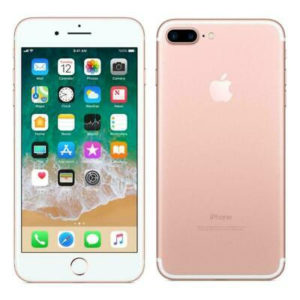
YOU HAVE AN iPHONE?
If you have an iPhone you have one of the most advanced cameras on the market
In this article we will tell you tips to improve your photos with your iPhone.
You can use AE / AF lock to lock auto focus and auto exposure.
This prevents the photo from shifting in light and focus as you move and frame the image. It is ideal if you want to capture an image in certain light that is not ideal.
You can modify the exposure by changing the ISO of the image. To do this, press on the camera screen and then slide your finger up or down, you will see how a vertical bar appears with a sun and the higher the sun is, the more illuminated it appears in the image.
The zoom of your iPhone’s camera is a digital and non-optical zoom and when you zoom, the image does not get enlarged, it just crops it and shows you a smaller part on the screen.
Burst shooting
You will be able to shoot many images per second and process them smoothly, using this function, shoot several shots and then save the best ones.
You do it by holding down the shutter button, several consecutive photos will appear.
If you want to capture moving elements it is the best option.
Some close-up photos turn out very well thanks to the f2.2 aperture of the latest iPhone models.
With this, you can focus on items close to the camera that can be seen in better detail than zooming.
Use a tripod to avoid moving the phone while taking the photo and keep the lens clean to avoid details in the photos.
The HDR mode that you can use on your iphone what it does is capture three different images with three different exposures, it joins them into the same image and consequently an image with “perfect” light comes out. Activate this option at the top of the screen and you will get much better images in low light conditions.
And above all, practice a lot, don’t forget that practice makes perfect and don’t be afraid to be wrong.